
To launch a successful Google Ads campaign, set up conversion tracking, define your target audience precisely, and establish a daily budget aligned with your business goals.
Quick Reference: Pre-Launch Checklist Overview
| Metric / Feature | Standard | Premium |
|---|---|---|
| Conversion Tracking | Not Configured | Fully Implemented with Google Analytics 4 |
| Budget Cap | Undefined or Too High | Daily Limit Set (e.g., RM 50–200/day) |
| Audience Targeting | Broad Keywords Only | Refined by Location, Demographics, and Intent |
| Landing Page Quality | Generic or Slow-Loading | Optimized, Mobile-Friendly, Clear CTA |
| Compliance Review | Skipped | Policies Verified Against Google Ads Requirements |
Why a Google Ads Checklist Matters
A checklist prevents costly mistakes before they drain your budget. Skipping even one step—such as conversion tracking—means you cannot measure ROI.
Proper setup aligns your campaign with Google’s policies and your business goals, reducing rejection risk and maximizing early performance.
- Conversion tracking ties ad spend to measurable business outcomes.
- Audience and keyword setup determines who sees your ads.
- Budget and bid strategy control your daily spend and competitiveness.
- Landing page quality directly affects Quality Score and click-through rates.
- Compliance checks prevent ad disapprovals and account suspension.
How to Organize Your Pre-Launch Review
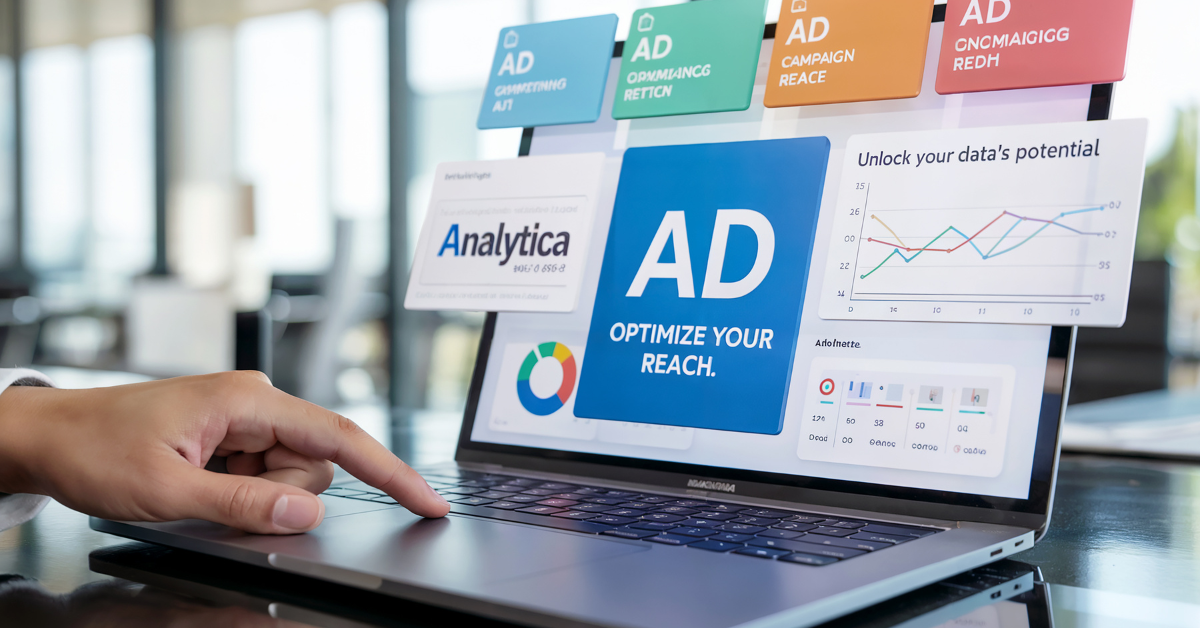 Photo by Magnific
Divide the checklist into three phases: account setup, campaign configuration, and final review before going live.
Each phase has specific checkpoints that must be completed in sequence to avoid rework and ensure data consistency.
- Phase 1: Account setup (billing, conversion tracking, linked properties).
- Phase 2: Campaign structure (ad groups, keywords, landing pages, audience segments).
- Phase 3: Final audit (policy compliance, bid strategy test, review with stakeholders).
10-Step Google Ads Checklist Before Launch
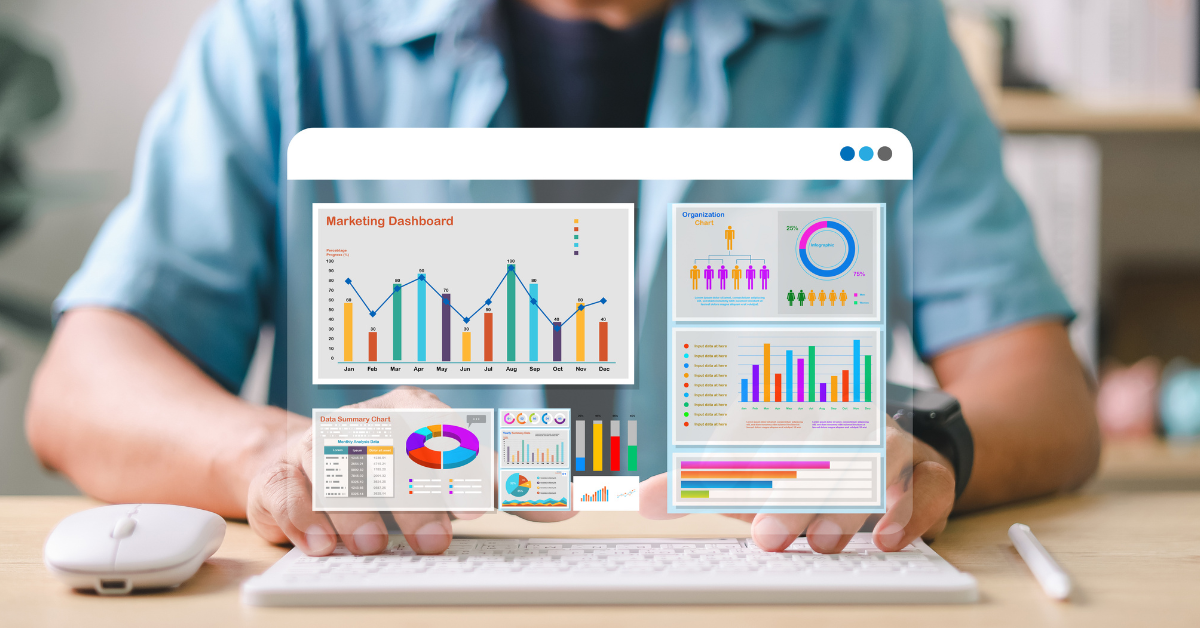 Photo by Magnific
- Set Up Google Analytics 4 and Conversion Tracking: Link your Google Ads account to GA4 and define conversion actions (purchases, sign-ups, form submissions) so you can measure campaign performance.
- Define Your Target Audience and Keywords: Build a keyword list aligned with your product/service, then segment audiences by location, device, and user intent.
- Establish a Daily Budget and Bid Strategy: Set a daily spend limit (e.g., RM 50–200 for testing) and choose a bid strategy such as Target CPA or Maximize Conversions.
- Create and Optimize Landing Pages: Ensure landing pages load in under 3 seconds, are mobile-responsive, and have a single clear call-to-action matching ad copy.
- Review Google Ads Policies and Compliance: Verify your ads and landing pages comply with Google’s advertising policies to avoid disapprovals or account restrictions.
- Write Compelling Ad Copy and Headlines: Create 3–5 responsive search ads with distinct headlines and descriptions that highlight unique value and encourage clicks.
- Set Up Ad Scheduling and Geo-Targeting: Choose when your ads run (e.g., business hours) and specify geographic regions or cities to focus your budget on high-intent locations.
- Configure Negative Keywords: Add words that attract irrelevant traffic (e.g., ‘free’, ‘cheap’) to your negative keyword list to improve CTR and Quality Score.
- Run a Limited Test Campaign: Launch with a small daily budget (RM 30–50) for 3–5 days to validate targeting, landing page tracking, and ad performance before scaling.
- Review and Approve with Stakeholders: Share campaign structure, estimated spend, and projected outcomes with decision-makers to ensure alignment before full launch.
Expert Insight: Why Premature Launch Costs Money
“Most brands we work with skip conversion tracking or launch with poorly optimized landing pages, then wonder why their Cost Per Acquisition spikes. A checklist saves thousands of ringgit by catching these issues before a single click is charged.”
— Clement Ng, Chief Executive Officer, Rebrand & Engage
According to Google Ads Help Centre, Campaigns with properly configured conversion tracking see 25–40% better ROI visibility and faster optimization cycles..
Frequently Asked Questions About google ads checklist
What is the most critical step on a Google Ads checklist?
Setting up conversion tracking is non-negotiable. Without it, you cannot measure which ads drive real business results, making optimization nearly impossible. Always link GA4 and define at least one primary conversion action before launching.
How much should I budget for a first Google Ads campaign in Malaysia?
Start with RM 30–100 per day for 3–5 days of testing to validate your targeting and landing pages. Once you confirm positive early metrics (click volume, conversion rate), scale up gradually. Budget depends on your industry’s average cost-per-click, which ranges from RM 0.50 (display) to RM 10+ (competitive keywords).
Can I skip the landing page audit step?
No. A slow or poorly designed landing page will tank your Quality Score and inflate your cost-per-click. Google heavily weights landing page experience; audit for mobile responsiveness, page speed, and clear call-to-action before launch.
What are negative keywords and why do they matter?
Negative keywords prevent your ads from showing on irrelevant search terms, protecting your budget. For example, if you sell premium coaching, adding ‘free’ as a negative keyword stops your ads appearing for ‘free coaching tips,’ filtering out non-buyers.
How long should I run a test campaign before scaling?
Run a limited campaign for 3–5 days or until you receive at least 5–10 conversions. This sample size gives you early performance signals. Once click volume and conversion data stabilize, increase your daily budget by 10–20% increments while monitoring CPA.
What is a Quality Score and how does it affect my ads?
Quality Score (1–10) is Google’s rating of your ad relevance, landing page experience, and historical click-through rate. A higher score reduces your cost-per-click and improves ad position. Optimize landing pages, use relevant keywords, and test ad copy to boost it above 7.

- Google Ads Checklist: 10 Steps Before Your First Campaign - July 24, 2026
- Digital Marketing in Malaysia: Strategy & Tools Guide 2026 - July 23, 2026
- Corporate Branding in Malaysia: Strategy & Best Practices 2026 - July 22, 2026